
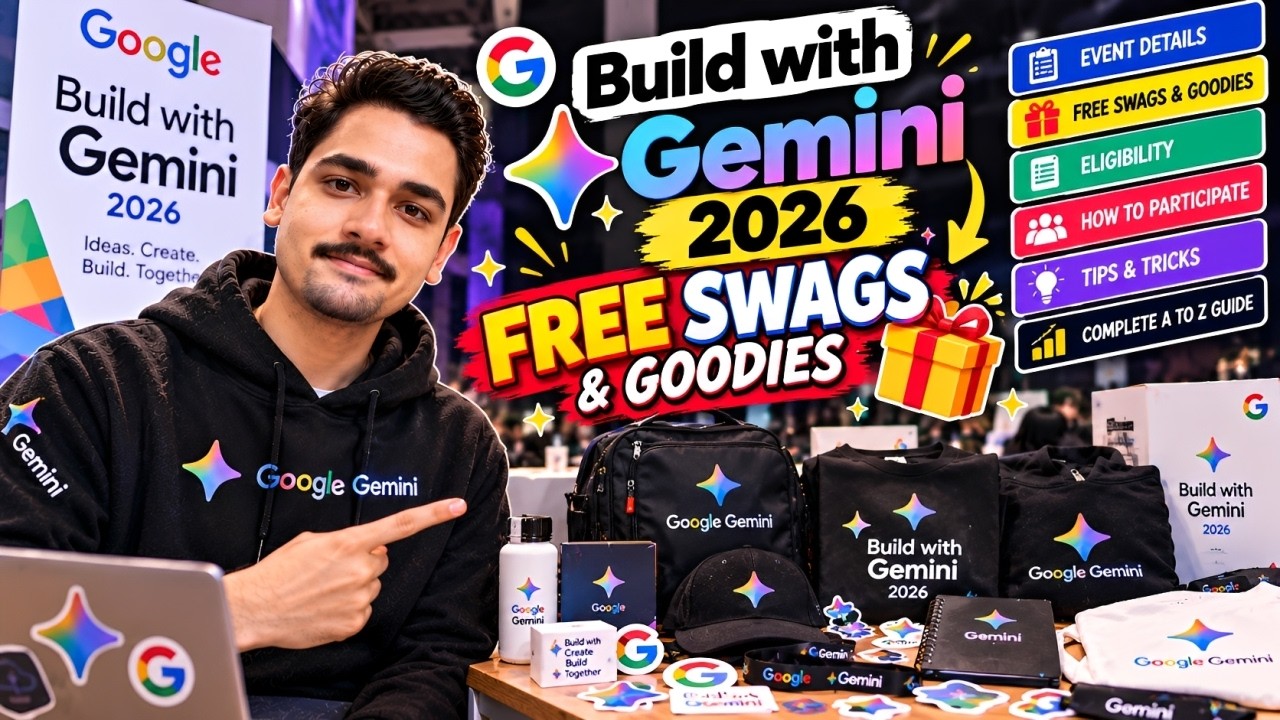
🤖 What Is Build with Gemini?
Build with Gemini is centered around using Google's Gemini models and developer tools to create applications and experiment with generative AI.
Gemini can be used for much more than simply creating a chatbot. Depending on the tools and APIs available to you, developers can experiment with areas such as:
💬 AI chat applications 🤖 AI agents and assistants 📄 Document analysis 🖼️ Multimodal applications 💻 Developer productivity tools 📚 Education applications 📊 Data analysis 🔎 Search and information experiences 🚀 AI-powered web and mobile applications
For students, this can also be an opportunity to move beyond watching AI tutorials and actually build a working project.
🎯 Who Can Participate?
The exact eligibility depends on the specific Build with Gemini program, challenge, or event you are joining.
Generally, opportunities around Gemini are useful for:
🎓 College Students Students who want to learn AI and create projects for their portfolio.
👨💻 Developers Developers interested in integrating Gemini into websites, apps, or existing products.
🤖 AI Enthusiasts Anyone experimenting with generative AI, LLMs, agents, and multimodal applications.
🌱 Beginners You don't necessarily need to be an AI or machine-learning expert to start experimenting with Gemini APIs.
Before participating, always read the official eligibility rules for the particular 2026 campaign you're joining.
🎁 Can You Get FREE Google Swags & Goodies?
This is probably why many of you clicked on this article!
Google developer programs sometimes include swag, prizes, credits, certificates, badges, or other rewards, but you should never assume that simply registering for a Gemini program guarantees physical swag.
The reward structure can be different for every campaign.
For example, rewards may depend on:
Completing required activities Building an eligible project Submitting before the deadline Attending an event Completing challenges Being selected as a winner Reaching a particular milestone Country or regional eligibility Availability of rewards
So remember:
⚠️ Registration ≠ Guaranteed Swag
If a particular Build with Gemini 2026 campaign advertises free swag or goodies, carefully check its official terms and reward requirements.
Don't participate only because somebody on social media shows a Google T-shirt, backpack, bottle, stickers, or other goodies.
🛠️ What Can You Build With Gemini?
This is where things become interesting.
You don't need to create the next billion-dollar AI startup.
Start with something simple but useful.
For example:
📚 AI Study Assistant
Upload notes and let Gemini explain difficult concepts in simple language.
💼 AI Career Assistant
Create an application that analyzes a resume, recommends skills, and helps users prepare for interviews.
📝 AI Content Assistant
Build a tool that generates ideas, summarizes content, or transforms information into different formats.
👨💻 AI Coding Assistant
Create a developer tool that explains errors, reviews code, or generates documentation.
📄 Document Analyzer
Allow users to upload documents and ask questions based on their content.
🛍️ AI Shopping Assistant
Build an assistant that understands requirements and helps users compare suitable products.
The important thing isn't necessarily how complicated your application is.
A simple project solving a genuine problem can be more impressive than an unnecessarily complicated AI application.
🚀 How to Start — Step-by-Step
If you're completely new, here's a simple roadmap.
Step 1️⃣ — Understand Gemini
Before building anything, learn the basics of generative AI.
Understand concepts such as:
Prompt → Model → Response
Then gradually explore structured output, multimodal inputs, function calling, grounding, and other capabilities relevant to your application.
Step 2️⃣ — Choose a Problem
Don't begin with:
“I want to build something using Gemini.”
Instead ask:
“What problem can I solve using Gemini?”
That small change can dramatically improve your project.
Step 3️⃣ — Create Your Prototype
Build the simplest working version first.
For example:
Frontend: HTML/CSS/JavaScript or React
Backend: Python, Node.js, Java/Spring Boot, etc.
AI: Gemini API
Your first version doesn't need to be perfect.
Step 4️⃣ — Test Your Application
Try different inputs.
Check whether Gemini produces reliable and useful responses for your use case.
Think about:
Incorrect answers Prompt injection User privacy API errors Response quality Cost and rate limits Safety Step 5️⃣ — Improve the UI
Once your core functionality works, improve the user experience.
A clean application with three useful features is often better than a confusing application containing twenty unfinished features.
Step 6️⃣ — Prepare Your Submission
If your Build with Gemini program requires project submission, prepare everything early.
You may need things such as:
GitHub repository Project description Screenshots Demo video Live application Architecture explanation Technologies used Problem statement Solution Gemini integration details
The exact requirements depend on the particular challenge, so follow its official rules.
🏆 How to Increase Your Chances in a Challenge
Don't create another generic chatbot and stop there.
Try to demonstrate why Gemini is necessary for your application.
Your project should answer three questions:
- What problem are you solving?
Clearly explain the real-world problem.
- How does your project solve it?
Demonstrate the actual workflow instead of only describing features.
- Why Gemini?
Explain what Gemini enables that would otherwise be difficult to achieve.
This makes your project easier for other people to understand.
⚠️ Avoid These Common Mistakes
Many beginners become excited about free swag and rush through the program.
Avoid doing that.
❌ Copying someone else's project
Build something you understand.
❌ Creating only a basic chatbot
Try adding a useful workflow around Gemini.
❌ Ignoring the deadline
Finish your project early enough to test and submit properly.
❌ Not reading the rules
Eligibility and submission requirements can change between programs.
❌ Assuming swag is guaranteed
Physical rewards should only be considered confirmed when the official program rules say so.
❌ Exposing your API key
Never publish private API keys inside your GitHub repository or frontend code.
💡 Why Students Should Explore Gemini
Even without physical rewards, building with Gemini can give you something valuable for your portfolio.
Instead of writing:
“I know Generative AI.”
you can demonstrate:
“I built an AI application using Gemini that solves XYZ problem.”
That's a much stronger way to demonstrate practical experience.
A good project can also give you something to discuss during:
Internship interviews Hackathons Developer events College placements Networking Resume discussions 🎁 What About Google Swag?
Google developer events are famous in the community for items such as:
👕 T-shirts 🎒 Backpacks 🥤 Bottles 🧢 Caps ✨ Stickers 📓 Notebooks 🏆 Challenge prizes
But don't treat any specific item as guaranteed for Build with Gemini 2026 unless it appears in the official rules of the campaign you're participating in.
Different countries, events, challenges, and campaigns can have completely different reward structures.
If swag is available, quantities may also be limited.
🔥 Is Build with Gemini Worth Participating In?
If you're interested in AI development, the biggest benefit isn't a T-shirt.
It's the opportunity to actually build something.
You can potentially finish the program with:
Gemini Experience + AI Project + GitHub Repository + Portfolio Project + New Skills + Community Exposure
And if your specific campaign includes swag or prizes, that's an additional bonus. 🎁
🌐 Important Official Resources
For Gemini development, start with Google's official resources rather than random third-party tutorials.
🤖 Google AI for Developers
Google AI for Developers
You can explore Gemini models, documentation, APIs, examples, and developer resources here.
🛠️ Google AI Studio
Google AI Studio
Google AI Studio is one of the easiest ways to experiment with Gemini and test prompts before integrating them into an application.
📚 Gemini API Documentation
Gemini API Documentation
Use the official documentation when you're ready to integrate Gemini into your project.
🚨 Important Note About Build with Gemini 2026
At the time of writing, I couldn't verify from Google's indexed official pages a single global “Build with Gemini 2026” campaign matching the exact title and a universal free-swag offer.
There can be regional campaigns, GDG activities, hackathons, workshops, or newly announced programs using similar branding.
Therefore, if you've received a particular Build with Gemini 2026 registration link, check that specific program's official rules before claiming that participants will receive guaranteed swag.
This is especially important if someone is asking you for personal information or payment in exchange for supposedly “free Google swag.”
🚀 Final Thoughts
Google Build with Gemini 2026 can be a great reason to stop simply watching AI tutorials and start building real AI projects.
Start small.
Learn Gemini.
Pick a real problem.
Build a working prototype.
Put it on GitHub.
Create a demo.
And participate in relevant challenges and developer communities.
If your specific campaign offers FREE Google swag and goodies, follow its official eligibility requirements carefully — but don't make swag your only reason for participating.
The best reward is being able to say:
“I didn't just learn Gemini. I built something with it.” 🚀🤖
Links To Participate: https://cloud.google.com/events/build-with-gemini-/novotel-hicc-hyderabad